5 Sample QR Codes to Download and Test
Download five working URL QR samples in PNG or SVG. Check where each code goes and use them to test a layout or scanner.
These five sample QR codes all open https://qrbliss.com/generator. They are working URL codes for trying a scanner or placing a placeholder in a layout. They do not open your website, save your contact details, or lead to a customer's menu.
For a finished project, create a code with your own destination and replace the sample before printing.
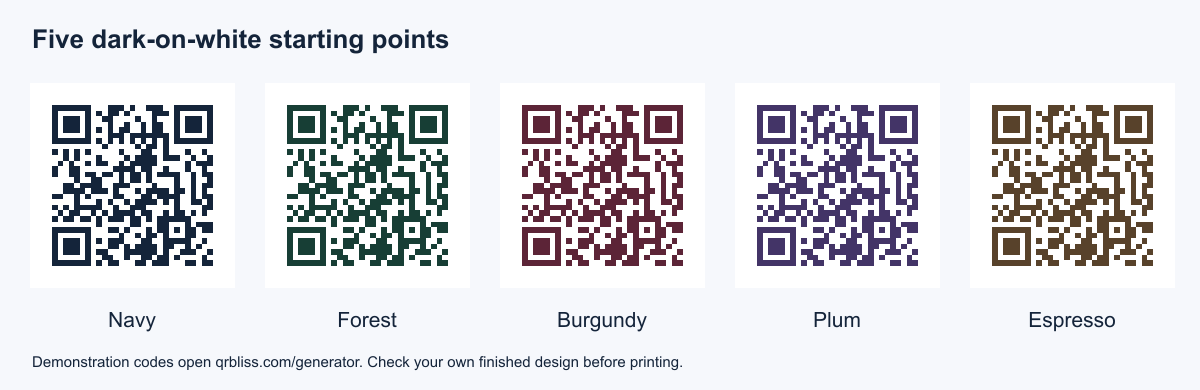
Download a sample
| Sample | PNG image | SVG file | Encoded destination |
|---|---|---|---|
| Navy | Download PNG | Download SVG | https://qrbliss.com/generator |
| Forest | Download PNG | Download SVG | https://qrbliss.com/generator |
| Burgundy | Download PNG | Download SVG | https://qrbliss.com/generator |
| Plum | Download PNG | Download SVG | https://qrbliss.com/generator |
| Espresso | Download PNG | Download SVG | https://qrbliss.com/generator |
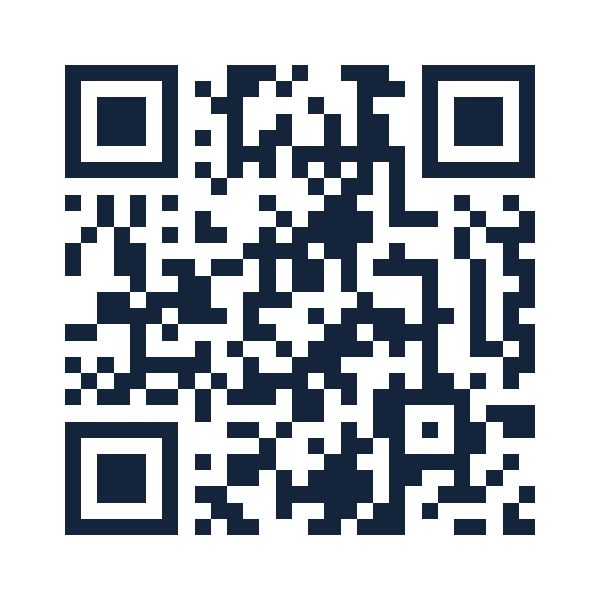
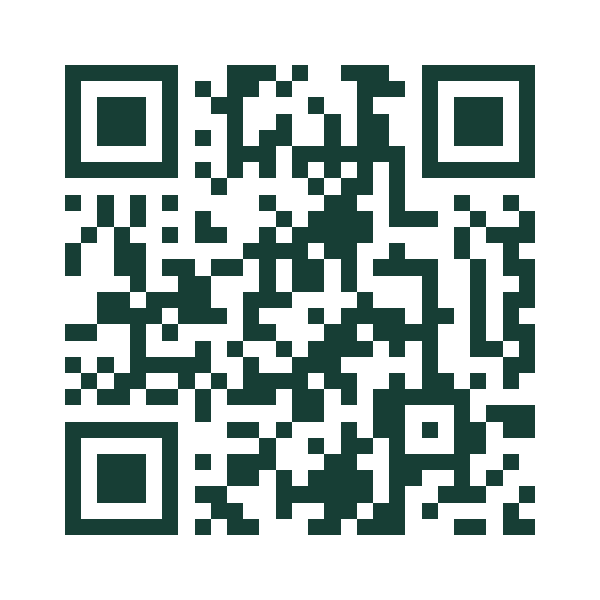
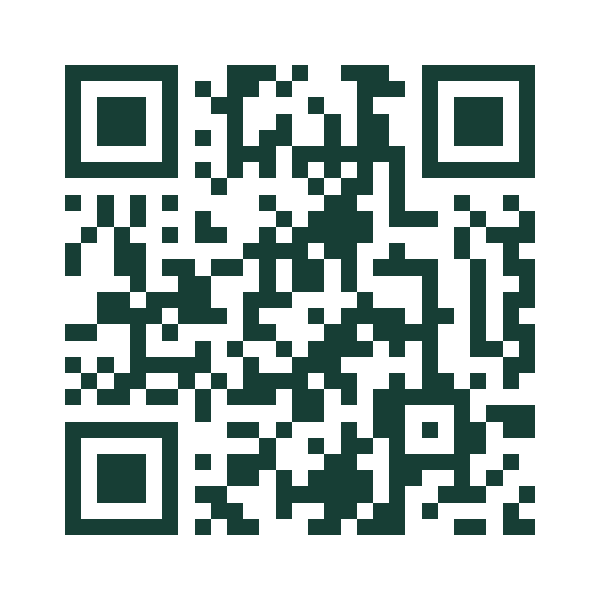
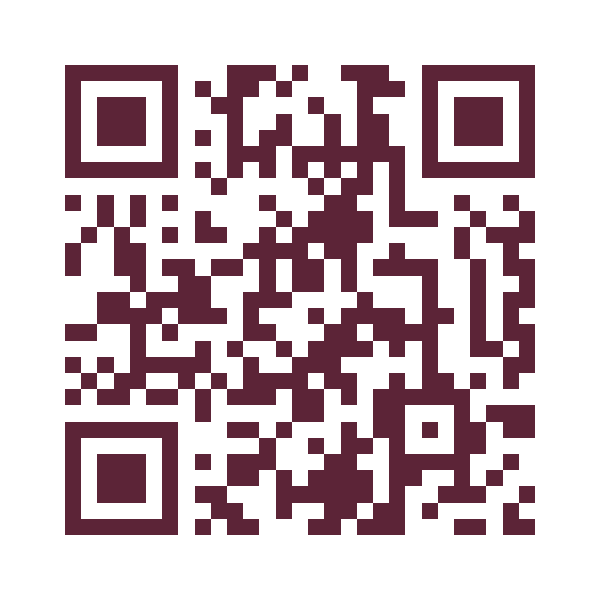
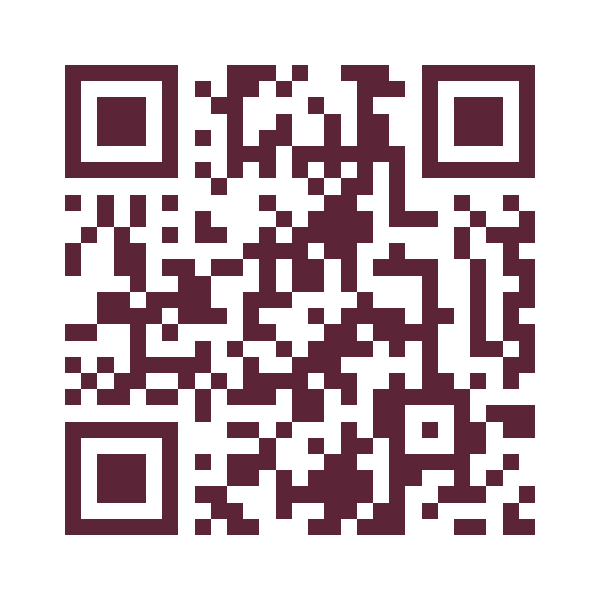


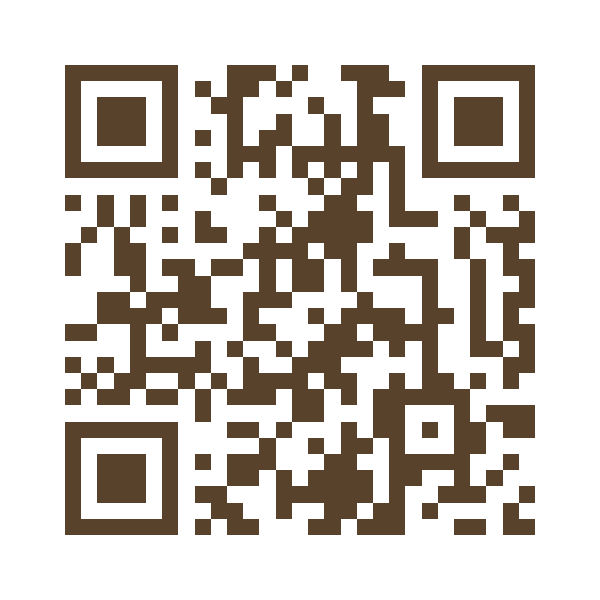
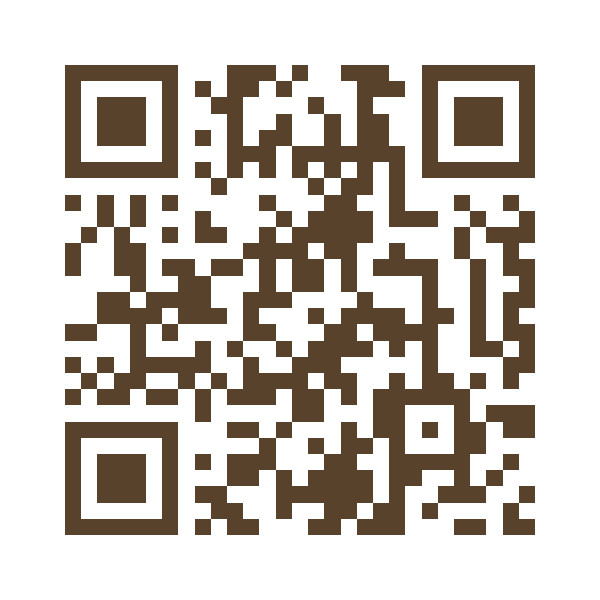
The PNG files have been decoded in software to confirm the destination. That check does not establish that every phone, printer, size, or background will work. Test the version you actually distribute.
Five ways to use the samples
1. Check a phone's scan workflow
Display a sample on a second screen or print it. Open the phone's scanning interface and point it at the code. Inspect the destination before opening it. A successful result should reach the QRBliss generator.
2. Reserve space in a flyer
Place the sample where the final QR will sit and keep its white border. Label the working design “Sample QR — replace before print” so a colleague does not mistake the layout proof for the finished artwork.
3. Compare color treatments
Try the five dark colors beside your typography and illustrations. They share a white background. Placing a code over a colored surface or a photo changes the contrast conditions, even if the module color stays the same.
4. Test a printer and paper combination
Print at the intended size, then scan under the lighting where the piece will be used. Look for ink spread, a cropped margin, glare, or distortion. Repeat with the final code because a different URL may produce a denser pattern.
5. Teach the difference between a pattern and its destination
Scan two differently colored samples and compare their results. Both open the same page. Then generate your own code and observe that the pattern changes with the encoded content. Appearance alone does not tell you where a QR leads.
Does a sample code expire?
These samples directly encode the generator URL. Their patterns have no built-in expiration, but opening the page still depends on that address being available. A static code cannot keep a removed destination online. Read more about QR code expiration.
Can I use a sample for a live campaign?
Only if the sample's stated destination is the page you intend people to visit. For your menu, booking form, brochure, or video, generate a code for that specific link. Replace both the image and any printed address, then perform a fresh scan test.
For styling ideas, see the 15-example design guide. For a finished sign, use the call-to-action examples to explain what happens after the scan.
Frequently asked questions
Where can I download sample QR codes for testing?
Do sample QR codes expire?
Can I use a sample QR code in a live campaign?
What is the difference between the PNG and SVG samples?
Create your first QR code.
Free tier. No signup required to start. Dynamic codes included.
Make a QR →