How to Create a QR Code for Google Forms
Make a QR code for Google Forms using the responder link. Check publishing, access, and submissions, with extra tips for Sheets, Docs, and Drive.
To make a QR code for a Google Form, publish the form, copy its responder link, and paste that link into the QRBliss generator. Download the code and test it on a phone that is not signed into the form owner's account.
The responder link matters. Copying the editing page from your browser can send visitors to the wrong place. A QR code also does not grant permission to a restricted form.
Get the correct link from Google Forms
Google's current instructions include publishing before responders can access the form. Review the audience under Manage, then publish. Use Published → Copy responder link, or the equivalent option under Share or Preview. For a public event, check the intended general-access setting. Google's publishing and responder-link instructions show the current controls.
Choose the audience deliberately: an internal staff form can remain restricted, while a public feedback form needs access suitable for its visitors. Turning on Limit to 1 response requires Google sign-in. A results summary can expose submitted responses to people who can respond, so review that setting before collecting personal details. These behaviors are described in the same Google settings guide.
Create and test the QR code
- Open the generator and select the URL type.
- Paste the responder link without adding punctuation or extra text.
- Keep the first design simple: dark modules on a light background, with a clear border.
- Download a PNG for placing in a document, or an SVG for a layout tool that supports vector images.
- Scan the exported image on a phone. Check the form title before entering anything.
- Complete a clearly labeled test response and check that it reaches the intended form.
Test as a visitor, not just as the owner. Your normal browser may already have permission that a guest lacks. A signed-out or private window is useful, and a separate guest device is better for checking the complete scan-to-submission path.
For a print run, also scan the final document at its intended size. A code that decodes in the generator can become too small, blurry, or cropped when pasted into a poster. Use the QR sizing guide before laying out a small handout.
Example: an open-house sign-in
A short form could ask for the visitor's name, preferred contact method, and whether they want the property brochure. Make required fields intentional. The welcome sign should explain what happens after submission rather than merely ask people to “scan me.”
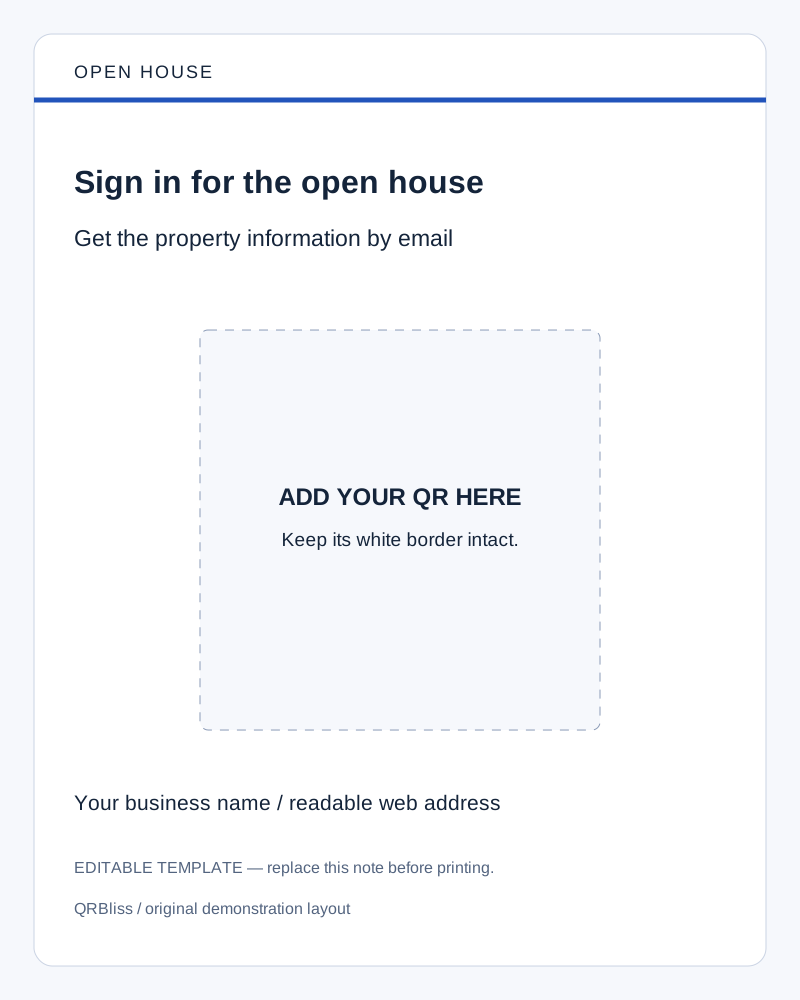
Example wording: Sign in for the open house — get the property information by email. Use that message only when you have arranged the promised follow-up. Creating a QR does not automatically send the brochure or connect a CRM.
Download an editable open-house sign. Replace the labeled QR area with your exported code, add your business details, and remove the editing note. See more real-estate QR examples for listing and tour signs.
If the scan works but the form does not
| What the visitor sees | What to check |
|---|---|
| A request to sign in | Form audience, organizational restrictions, and settings that require an account |
| An access error | Whether this visitor has permission to use the responder link |
| The wrong form or an editing interface | The exact URL encoded in the QR |
| A form that no longer accepts entries | Whether the form is still published and accepting responses |
| A successful submission but no email | The separate notification or follow-up workflow |
If the phone never detects the QR at all, start with the scanning troubleshooting guide. Form permissions cannot fix an unreadable printed pattern.
Do you need a static or dynamic code?
A static URL code contains one link. You can keep editing the questions behind that same working form URL; you do not need a new QR for every wording change. A different form with a different URL is a different destination.
A dynamic QR uses an intermediate redirect that lets you change the destination. That can help when one reusable sign should point to a new form each month. Check the account and plan requirements shown in QRBliss when enabling it. See static versus dynamic QR codes for the trade-offs.
Keep scans and submissions separate when reviewing results. Someone can scan twice, leave without completing the form, or submit through a link shared without the QR. A scan count alone is not a count of completed forms or unique leads.
Related workflow: QR codes in Google Sheets
For a list of links, Sheets can display QR images through an external image API. Put a public link in A2, then use this formula in B2:
=IMAGE("https://quickchart.io/qr?text=" & ENCODEURL(A2) & "&size=300&margin=4")Fill the formula down for more rows. This uses the QuickChart QR API, which receives the text placed in its URL. Use it only for content you intend to send to that service. Check its current service terms and limits before a large batch; no fixed free quota is assumed here.
The image is a code for A2's contents, not a QR for the spreadsheet itself. For a print job, export proper image files and inspect their final size rather than relying on a cropped screenshot of tiny cells.
Put the code in Google Docs or share a Drive file
For a sign made in Docs, insert the downloaded PNG using the document's image insertion controls. Put the action sentence above it and a readable fallback address below it. Preserve the image's square proportions and white border.
For a QR that opens a Drive file, use that file's share link. When the file is intended for the public, choose the appropriate general-access and Viewer settings; keep private material restricted. Work or school policies may limit the available options. Google's Drive sharing guide explains the roles and access choices.
A PDF menu, a brochure, and a form need different destination checks, but the QR setup is the same: choose a usable link, generate the code, then test the action a visitor should complete. Create your form's QR code.
Frequently asked questions
How do I create a QR code for a Google Form?
Why does my Google Forms QR code ask people to sign in?
Should a Google Forms QR code be static or dynamic?
Can I put a QR code inside a Google Doc or Sheet?
Create your first QR code.
Free tier. No signup required to start. Dynamic codes included.
Make a QR →